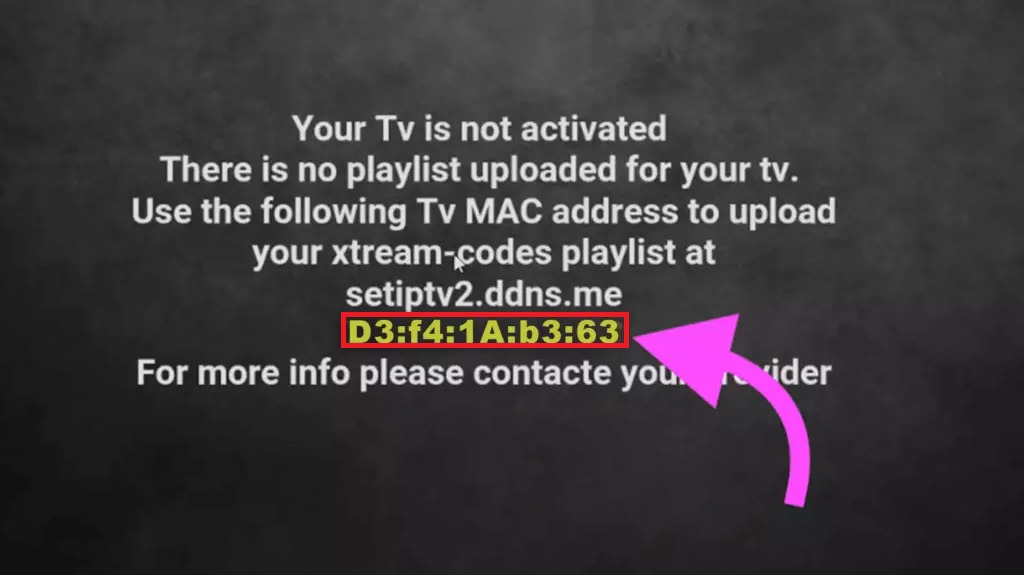
Set iptv application has a 7-day trial period. Then he asks you to pay once
Step 1 Download and open Set iptv application
Step 2 Make a note of the ‘MAC Address’ which is displayed on the screen.

Step 3 Click the link to go to the set iptv setup page
https://cms.manage-setiptv.com/set.app
Step 4 Type your mac address in the section shown in the picture

Step 5 To the place shown in the picture above paste the m3u plus link sent to you
Step 6 Click on ”Send”
Step 7 Restart your application