How To Install IPTV Smarters on Firestick
Step 1= Launch Downloader.
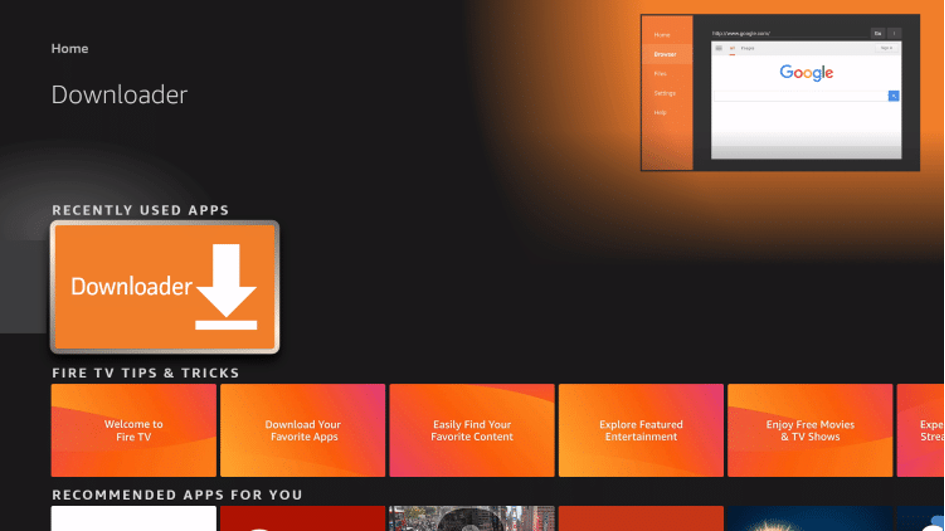
Step 2= Click Allow.

Step 3= Click OK.
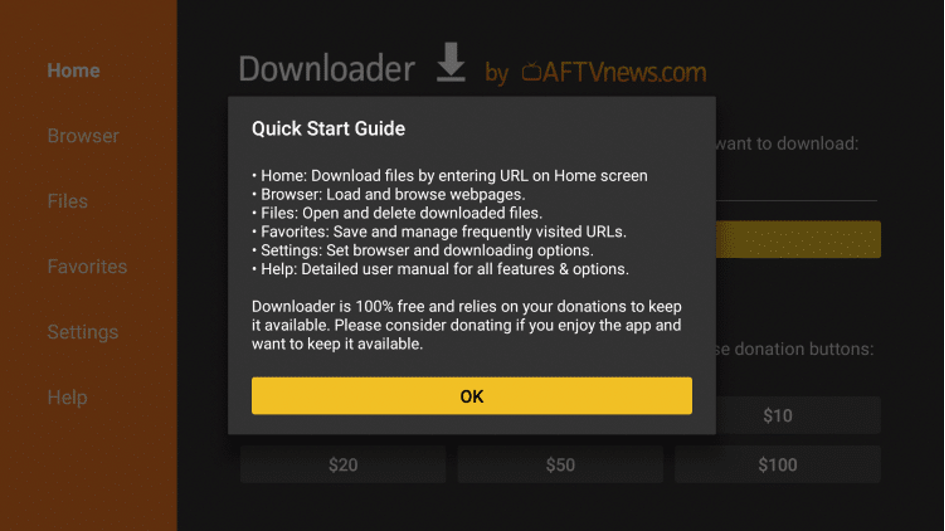
Step 4= Place your cursor in the URL box and click the OK button on your remote to open the keyboard.
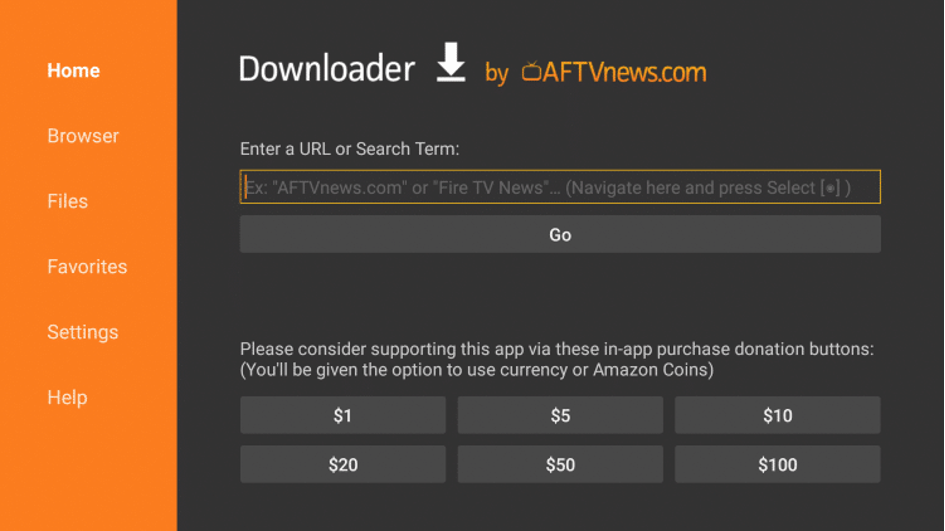
Step 5= Type the following URL exactly as shown here: https://troypoint.com/smarters and click Go.
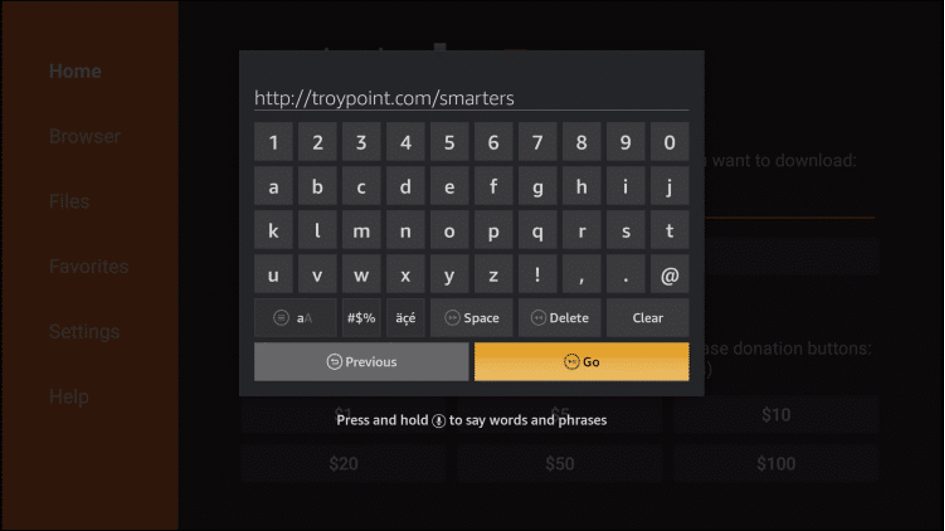
Step 6= Wait for file to download.
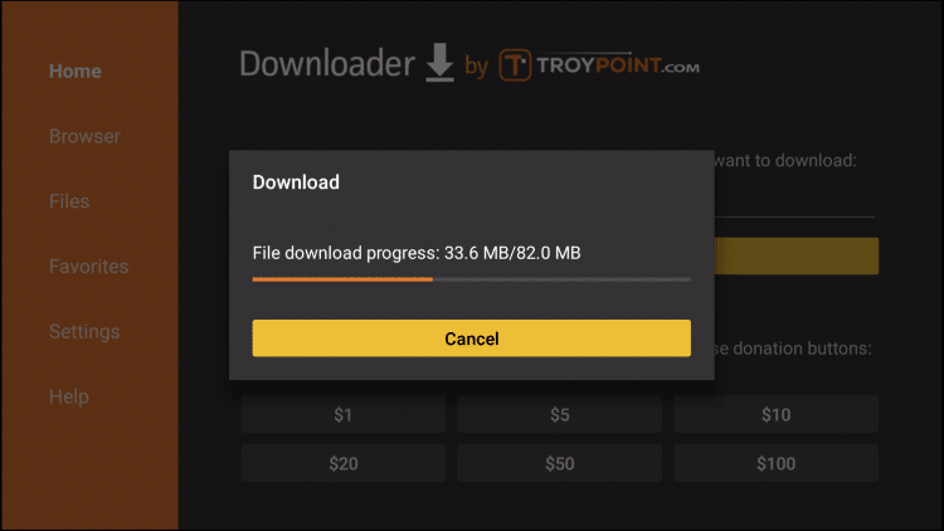
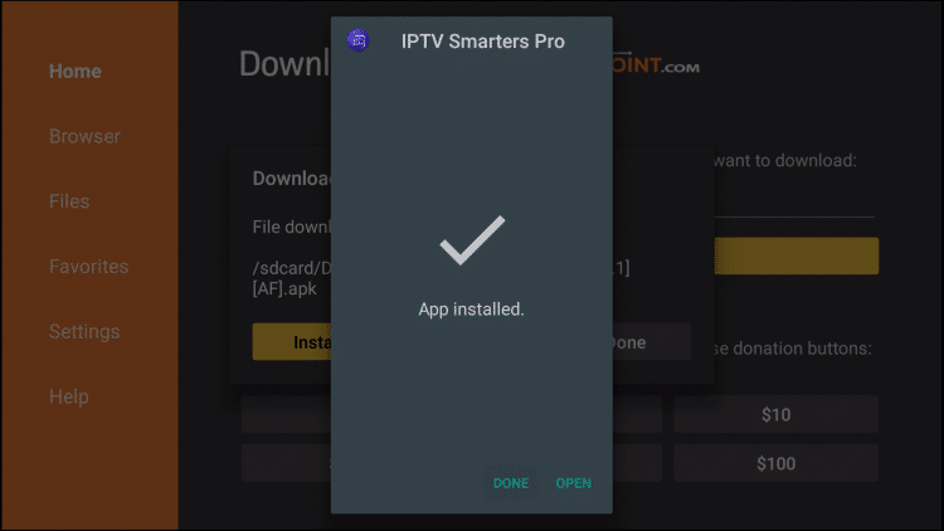
Step 7= Click Install.

Step 8= Click Done
Step 9= This will take you back to Downloader. Click Delete.
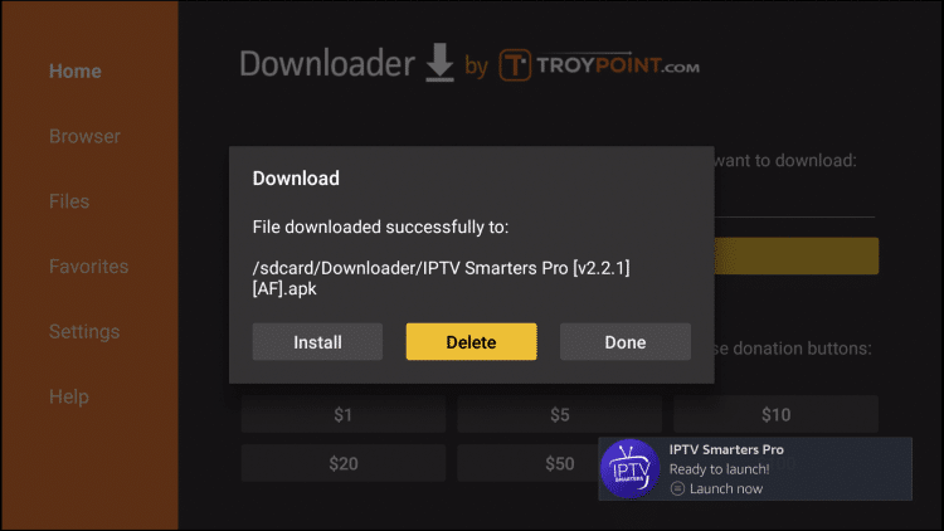
Step 10= Click Delete again.

Step 11= Return to device home-screen and under “Your Apps & Channels” click See All.
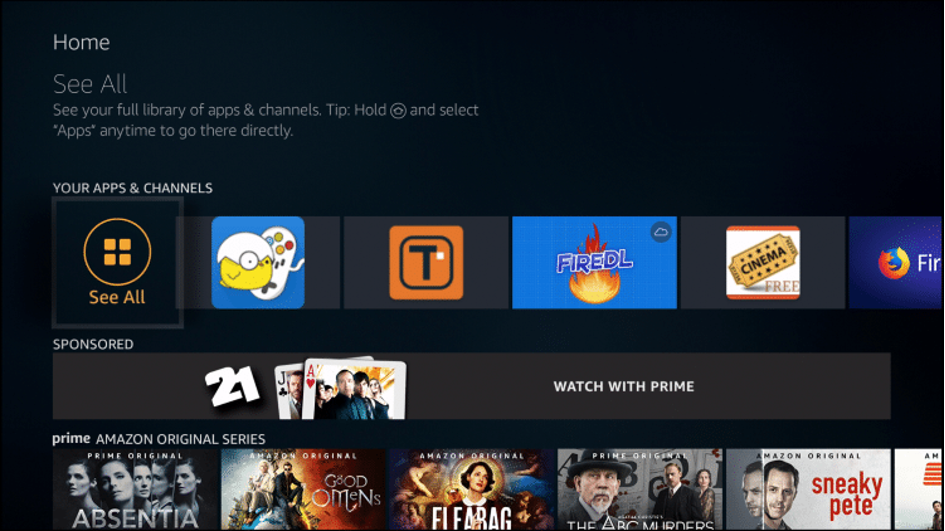
Step 12= Scroll down to hover over IPTV Smarters.
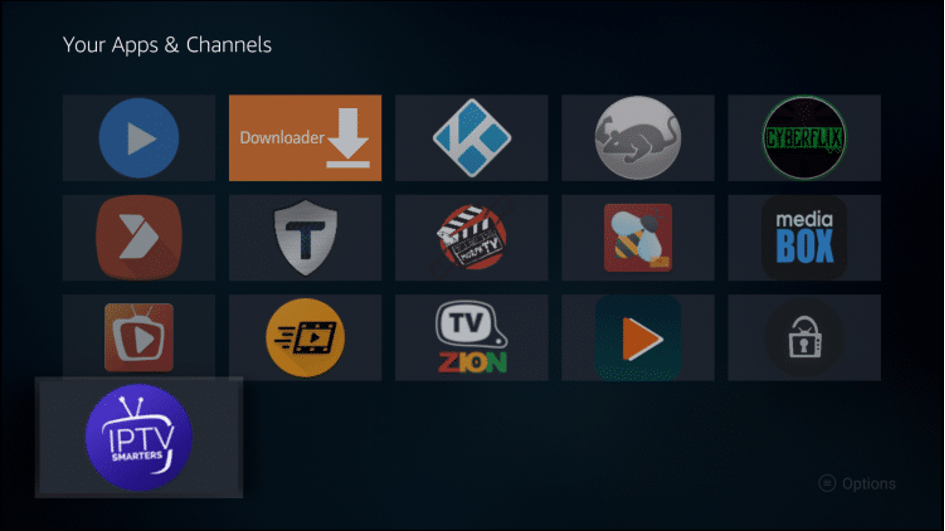
Step 13= Click Menu button on remote (3 horizontal lines), then click Move to Front.